
To use your TAB account, you must verify your identity. You can do this in the TAB app using one of the following documents:
- An Australian state/territory driver's licence
- An Australian passport
- An Australian working visa
- A Medicare card
Please note: To verify your TAB account using one of the documents listed, the document must belong to you, and the name on the document must match the name on your TAB account.
If you don't have any of the documents required to verify your TAB account on the TAB app, you might need to verify your identity in person or by mail. For assistance, please call us on 131 802.
Verify your account using your driver's licence
Log in to your account.
When prompted to continue your verification, tap Continue Verification.
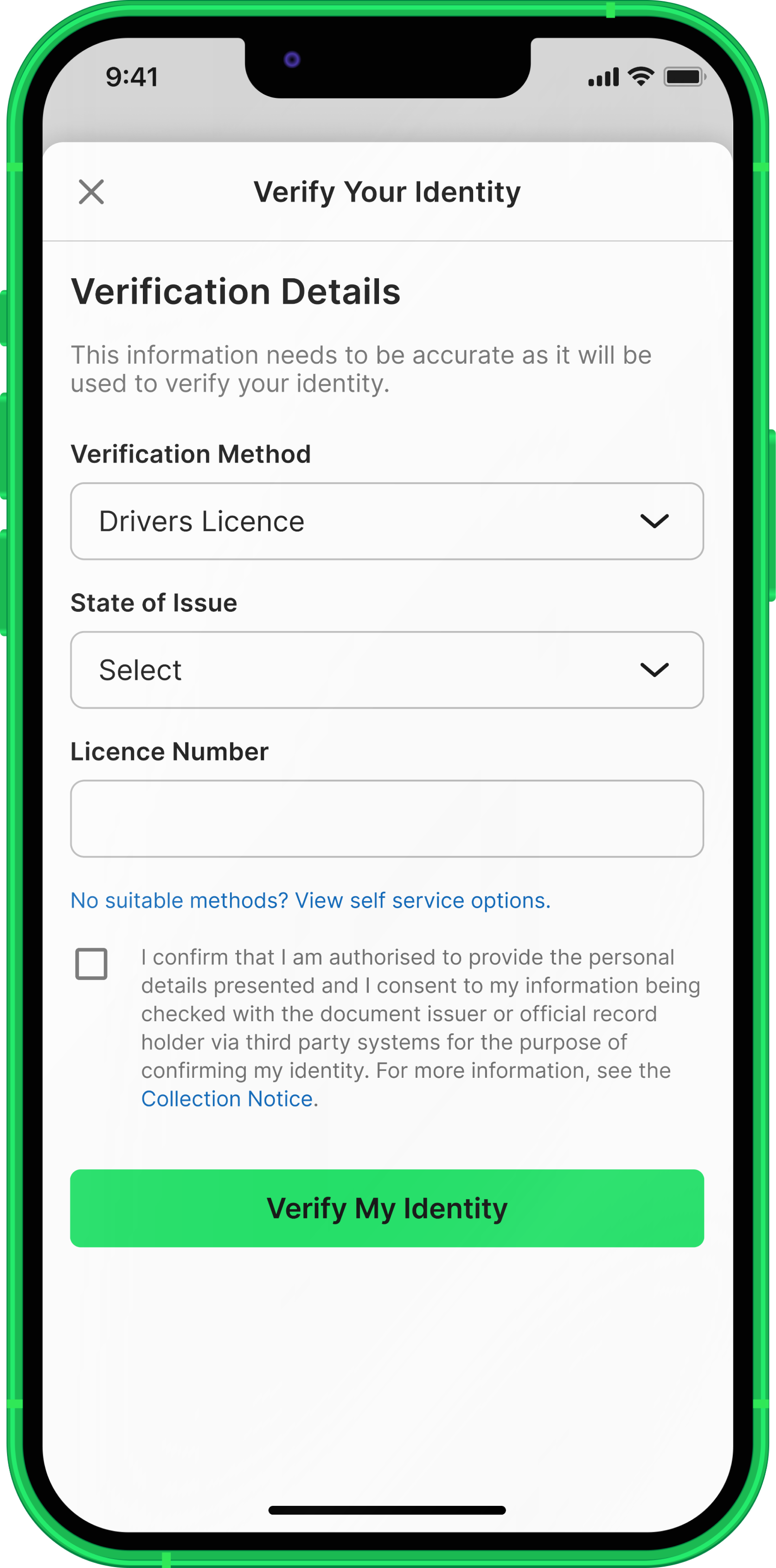
On the Verify Your Identity screen, select Drivers Licence.
Select the state or territory where your licence was issued, enter the required licence details, review the information and select the required acknowledgement checkbox. Then tap Verify My Identity.
Next steps
If we cannot verify your identity using your driver's licence, you'll be prompted to try another valid document.
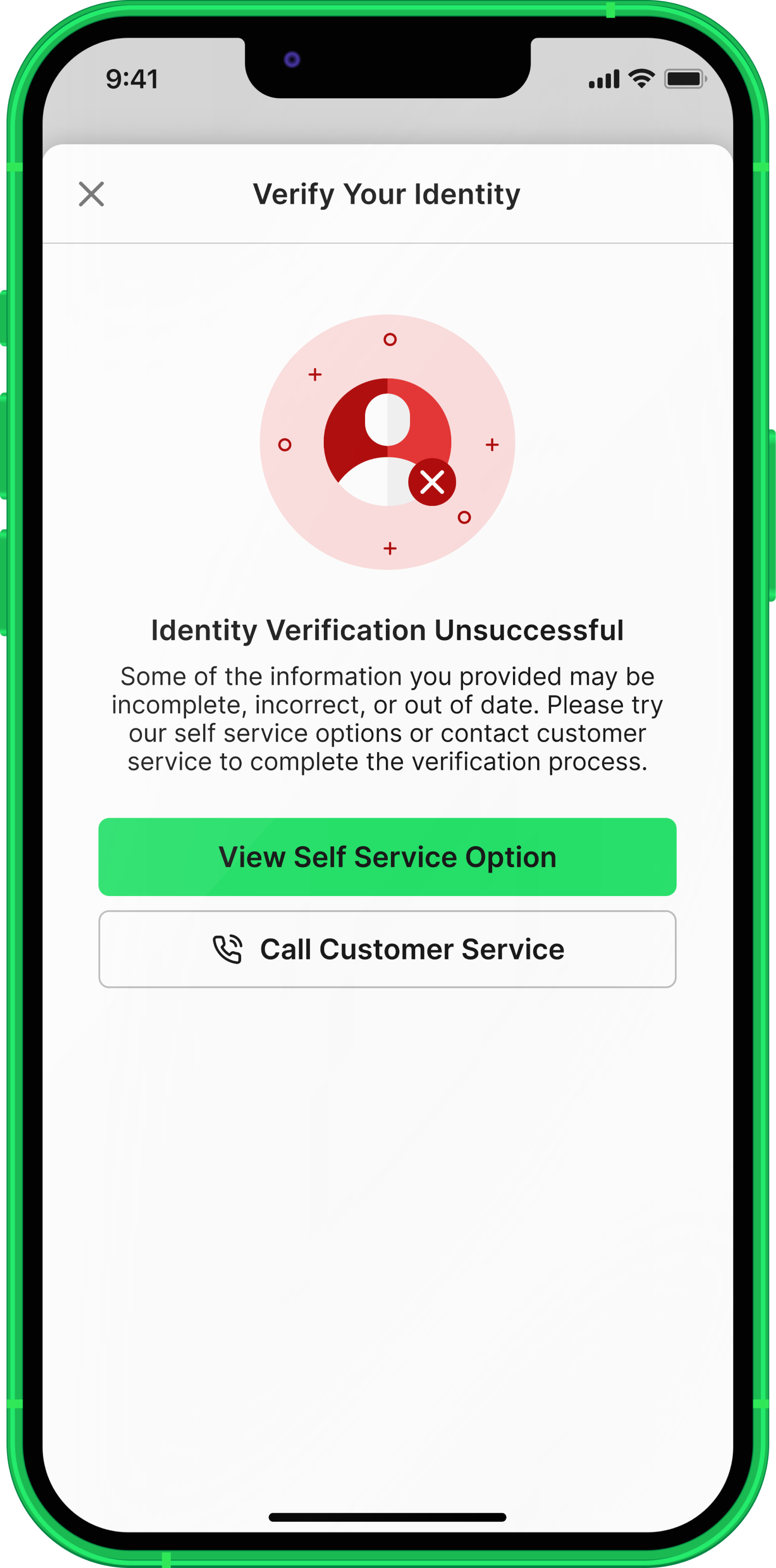
If you don't have another valid document, or we cannot verify your identity using the details provided, the following screen will appear.
Select View Self Service Option to see the verification options available to you or select Call Customer Service for assistance.
Please note: If you don't have a valid Australian driver's licence, Australian passport, Australian working visa, or Medicare card, you may need to verify your identity in person or by mail. For more information, please call us on 131 802.

